
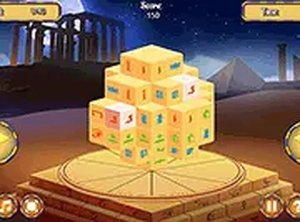
Egypt Mahjong Triple Dimensions Puzzle Game
A relaxing puzzle game with a clever triple-matching twist. The rotating block adds a new layer of fun.
Sweet Candy WebGL is a delightful match-3 puzzle game where players match three or more candies to clear them from the board. The goal is to complete given tasks within a limited number of moves to win each level. As you progress, the challenges become more exciting, requiring careful planning to create bigger and better matches. You can play alone or challenge friends to see who can achieve the highest level and become number one. The game is designed for desktop play, offering a smooth experience with keyboard or mouse controls. It is free to play and runs directly in your browser, with an option for full-screen mode for an immersive experience.
To play Sweet Candy WebGL, use your mouse to click and swap adjacent candies on the grid. Match three or more identical candies in a row or column to collect them and earn points. Keep an eye on the timer and complete the key targets before time runs out. Plan your moves strategically to create larger matches and clear more candies with fewer moves. Each level has specific tasks, such as collecting a certain number of a candy type or reaching a score goal. Progress through levels by completing these objectives, and aim for high scores to compete with friends.
Match candies to clear the board. Beat the timer for bonus points. Compete with friends for the highest score. Full-screen mode for an immersive experience. Smooth controls with mouse or keyboard.
Sweet Candy WebGL offers a satisfying puzzle challenge that is easy to learn but hard to master. The competitive element adds replay value, making it a great choice for quick gaming sessions.
━━━━━━━━━━━━━━━━━━━━━━━━━━━━━━━━━ 📱 Play on Any Device | Chrome / Safari / Edge Recommended ━━━━━━━━━━━━━━━━━━━━━━━━━━━━━━━━━
A relaxing puzzle game with a clever triple-matching twist. The rotating block adds a new layer of fun.

Simple matching fun with a festive Easter theme. Great for quick play sessions.
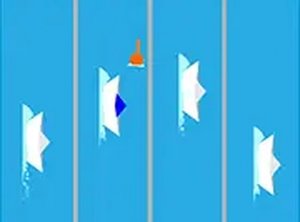
Clean visuals and responsive controls. A solid arcade racer for quick breaks.
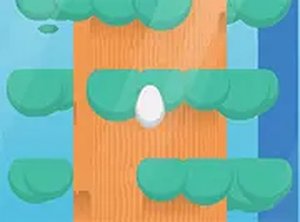
Simple and addictive timing game. Clean design works well on mobile and desktop.
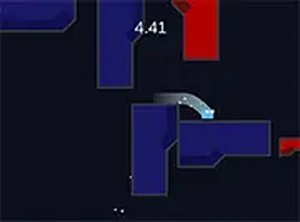
Clean design and smooth gameplay. Great for short breaks. Challenging wall jumps keep it interesting.
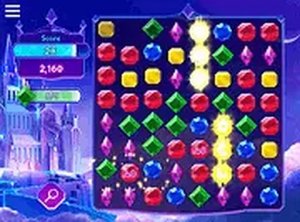
Charming match 3 game with lovely visuals and smooth controls. Ideal for quick, relaxing play.
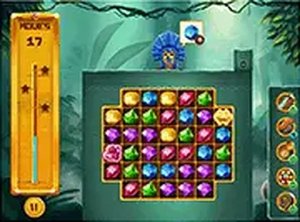
Clean gem-matching gameplay with 340 levels. Perfect for quick, relaxing breaks.
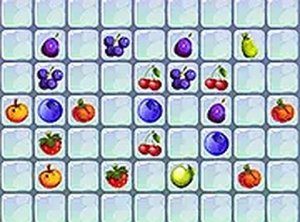
Clean design and smooth gameplay. Great for short breaks. Strategic movement adds a fresh twist to match 3 puzzles.
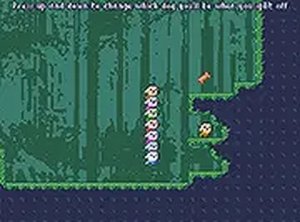
Clever stacking mechanic and cute visuals make this a relaxing platformer. Perfect for short gaming sessions.

Clean design and smooth gameplay. The time tiles add a nice twist to a classic puzzle.